(Part Two in a series about organizing digital pictures. Here's Part One.)
Here's what I started out with — semi-organized photos in iPhoto of door knobs, kids, and flowers.
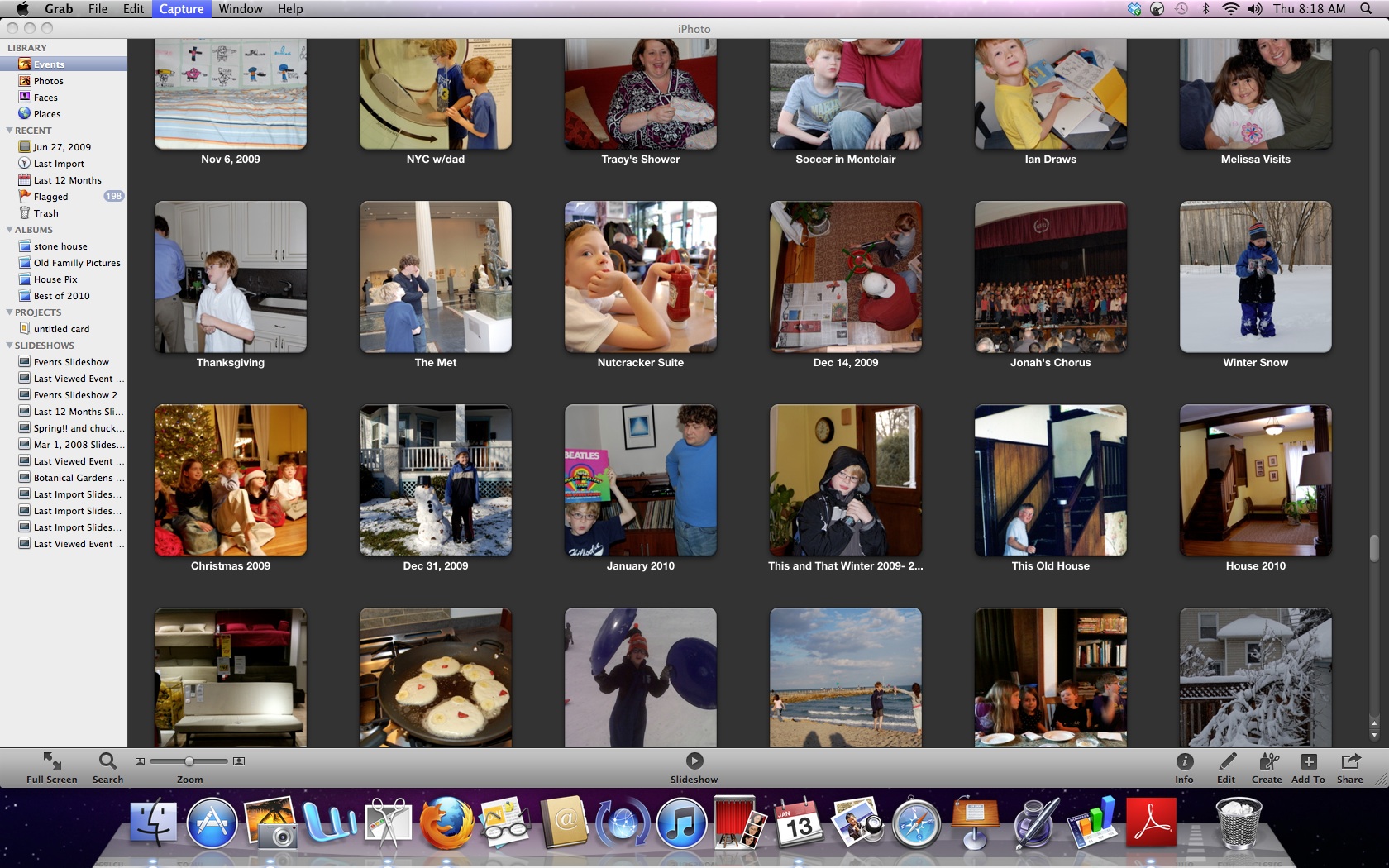
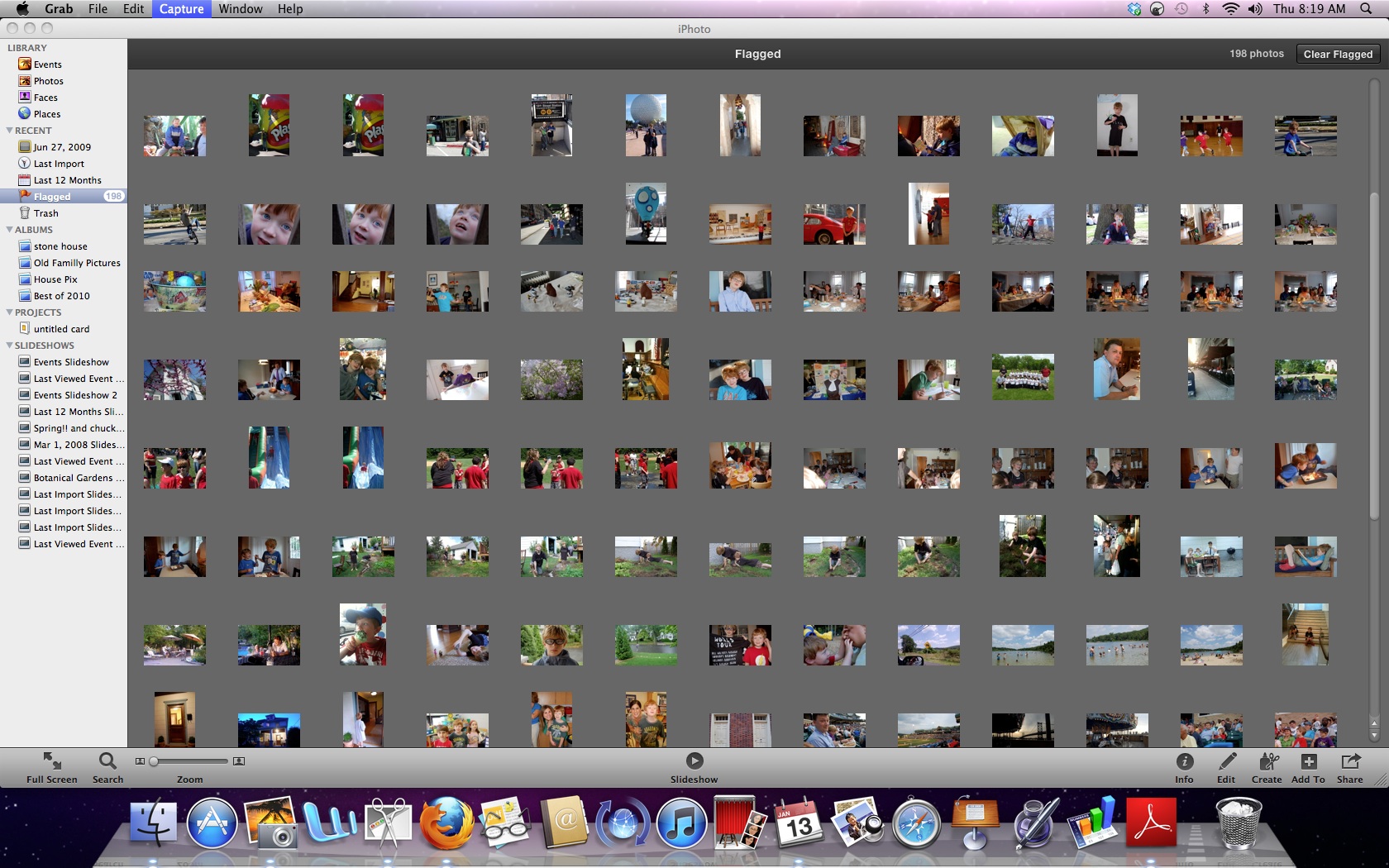
I went through each of the folders for 2010 and did another edit of the pictures. I deleted any photo with a grade of C- or below, deleted near-duplicate pictures, flagged the best pictures , and then made a "best of 2010 album" in iPhoto.
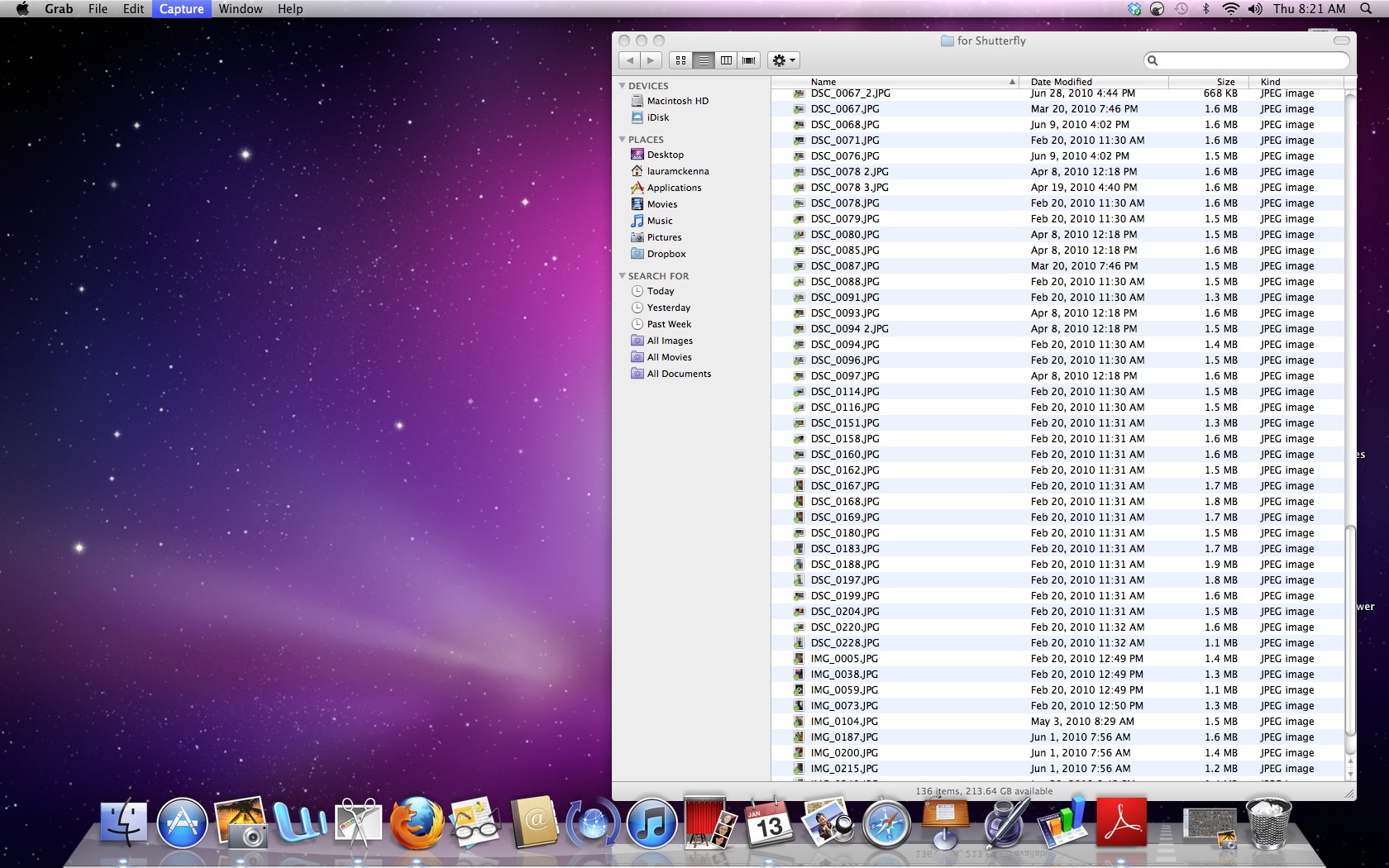
When that was done, I copied all the pictures to a folder on my desktop.
Then I uploaded the pictures to Shutterfly using their express uploader. Then, I arranged the pictures using their customizable photo album.
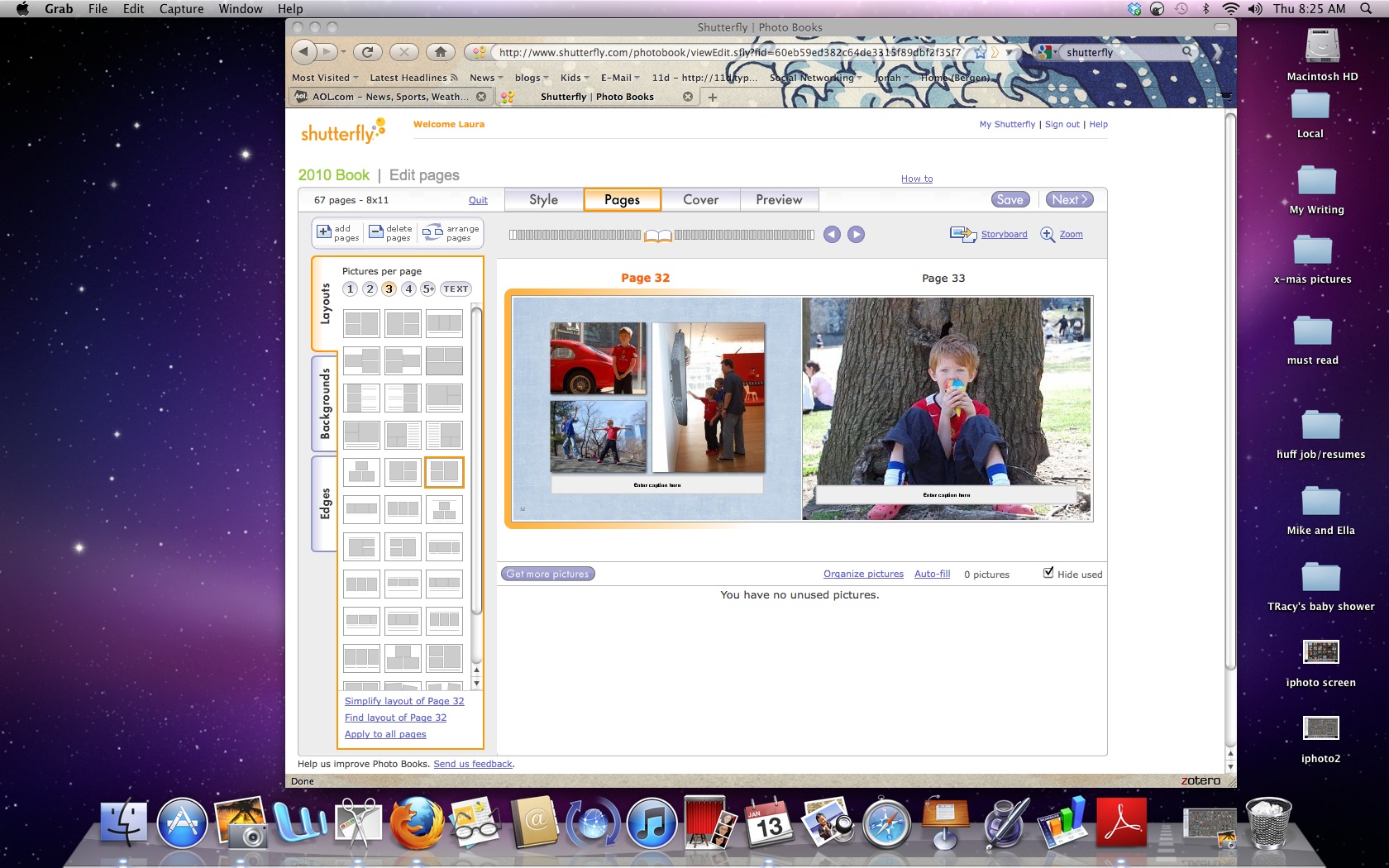
I've been using Shutterfly for ages, but I've heard good things about other systems, including Kodak and Blurb (thanks, Inquirer).


