
I need some help with Photoshop. I figured out how to take this black and white image …
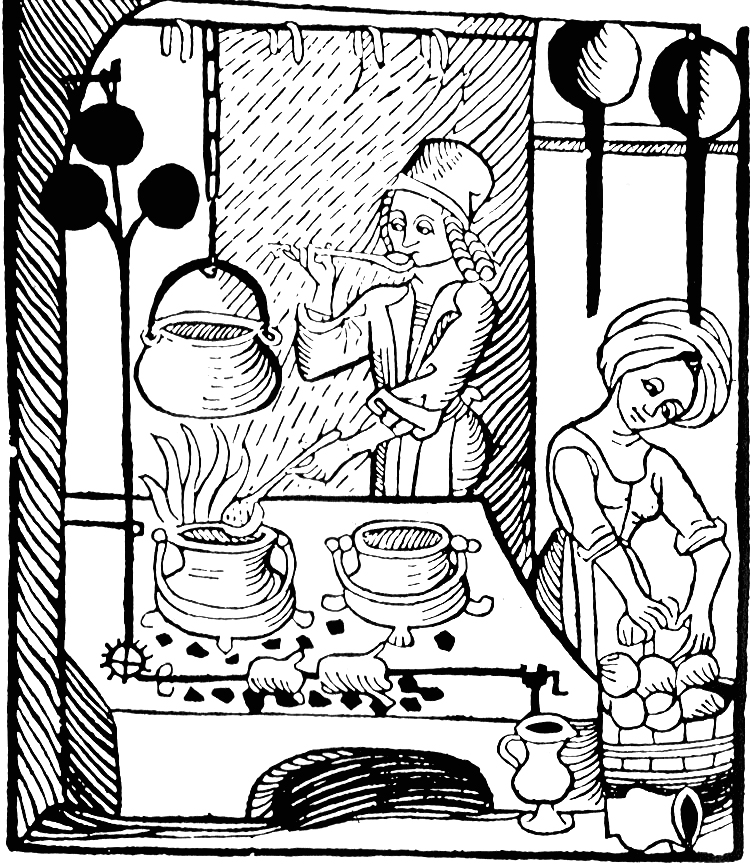
and make it all one color

and make the lines a color.
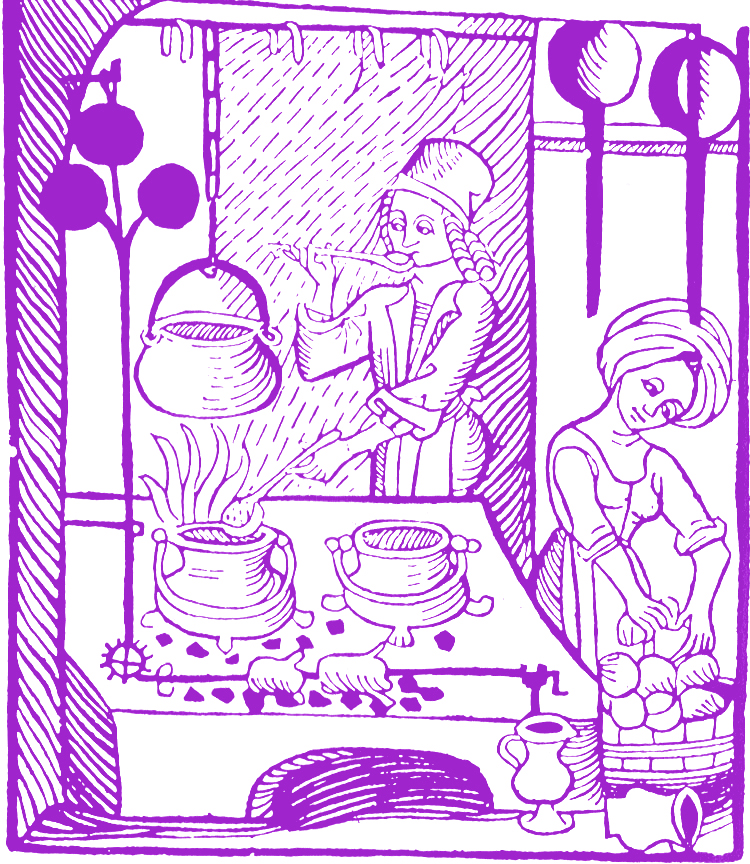
But I can’t figure out how to keep the lines black and replace the white with a color. Help.
UPDATE: Thanks to bj…
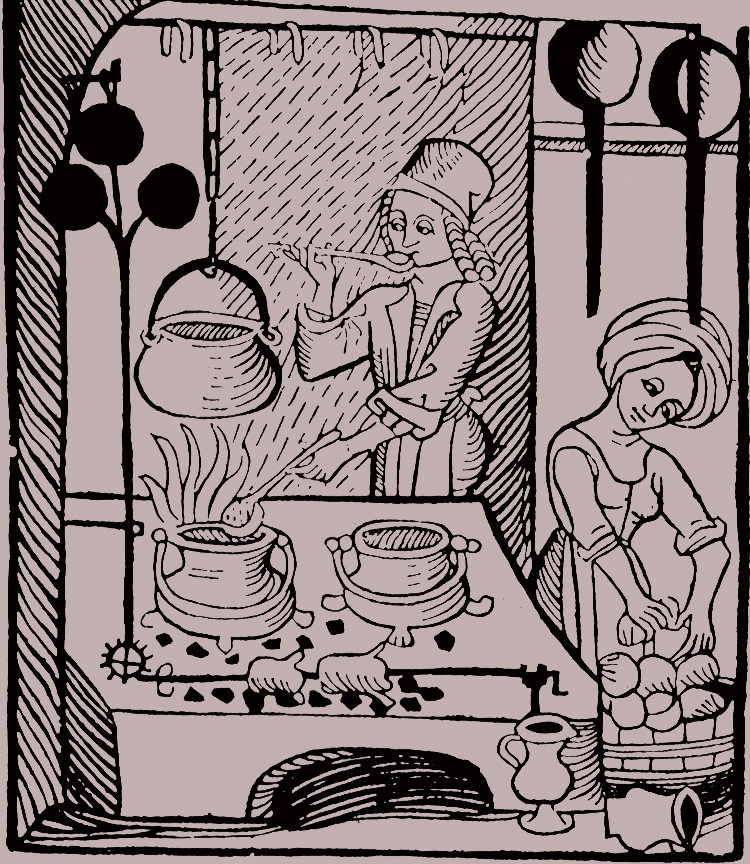

 Apt. 11d
Something like that?
http://www.essential-photoshop-elements.com/change-background-color.html
LikeLike
Ooh, you made me finally figure out how to do this: set your foreground/background color to the colors you want to use for the black/white (that’s the colors at the bottom of your toolbar).
Then, select image/adjustment/gradient map
LikeLike
The explanation is in the comments section here:
http://planetphotoshop.com/replace-color.html
LikeLike
Don’t know, but I can tell you how to make their chests more pronounced and hips slimmer.
LikeLike
Tell us, tell us, not really vogue editor.
BTW, I’ve been wanting to do this precise thing for a silhouette project and I had insufficient motivation to figure it out for myself (I tried the replace color function and gave up when it didn’t work). But, the opportunity to answer your question made me figure it out. Have to figure out what that means about motivation.
LikeLike
Have you ever noticed that it’s less onerous to wash somebody else’s dishes than your own?
LikeLike
agreed
LikeLike
You’re extrinsically motivated.
LikeLike
Thanks, bj and maria. Did it.
LikeLike