
(Part Two in a series about organizing digital pictures. Here's Part One.)
Here's what I started out with — semi-organized photos in iPhoto of door knobs, kids, and flowers.
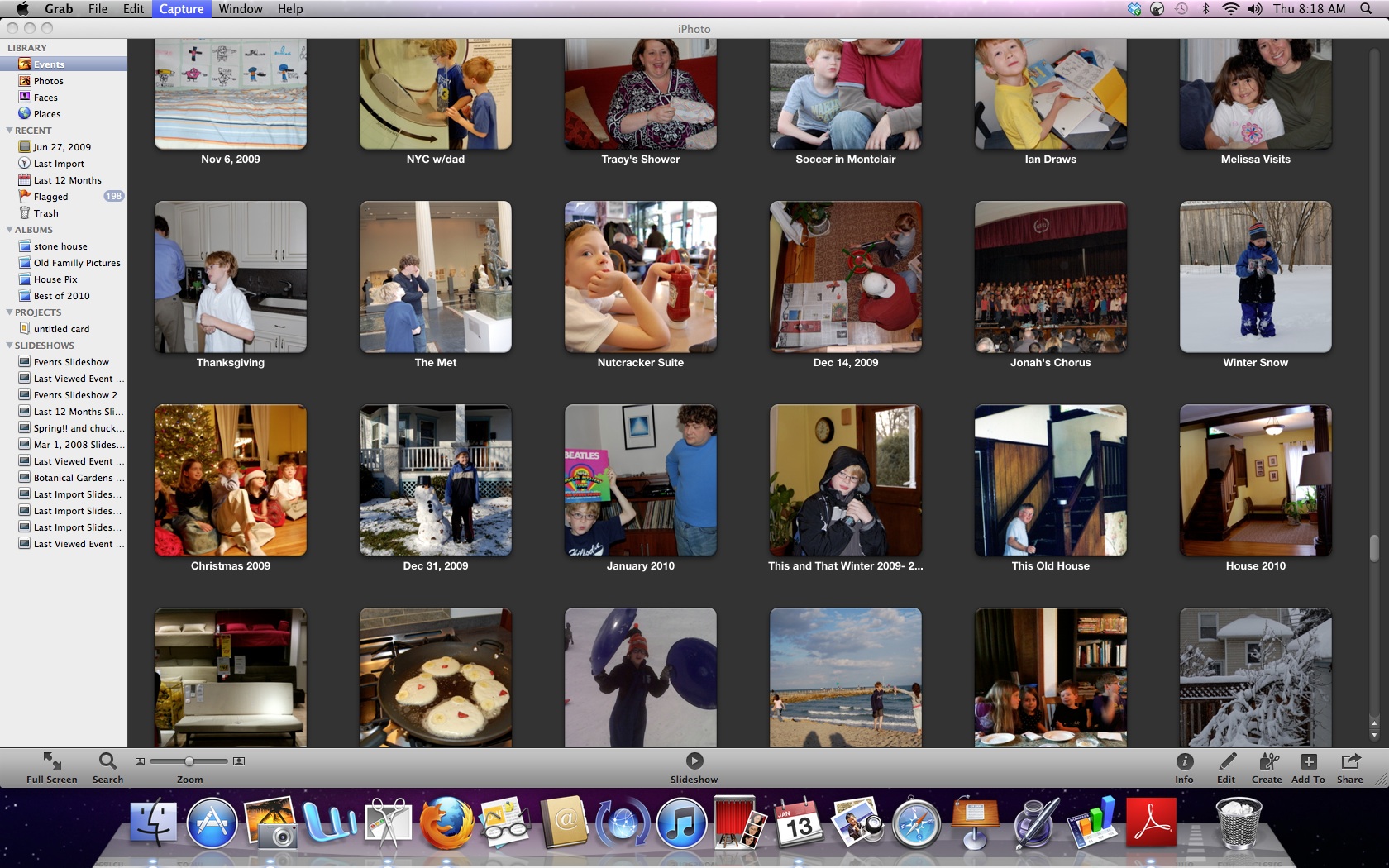
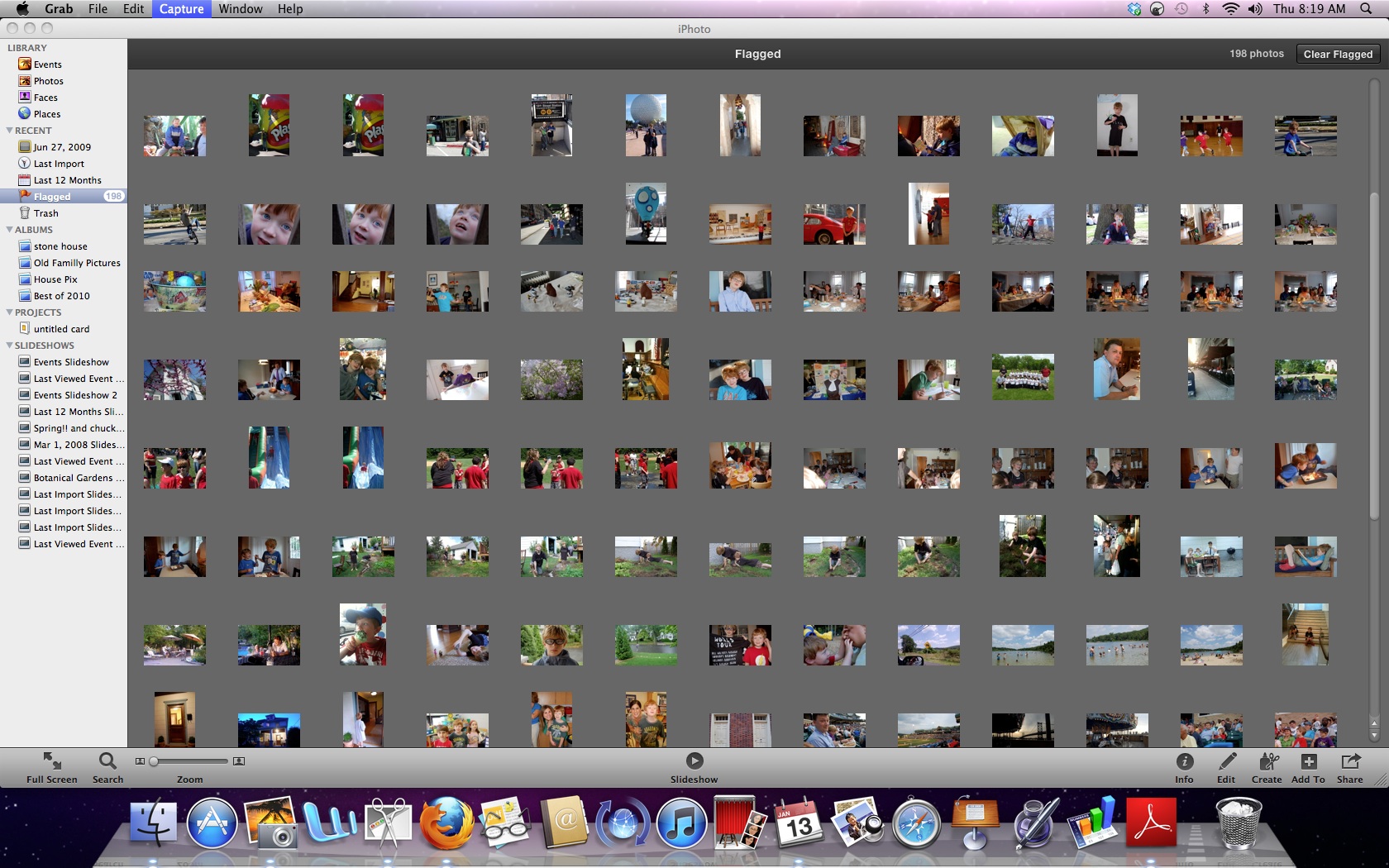
I went through each of the folders for 2010 and did another edit of the pictures. I deleted any photo with a grade of C- or below, deleted near-duplicate pictures, flagged the best pictures , and then made a "best of 2010 album" in iPhoto.
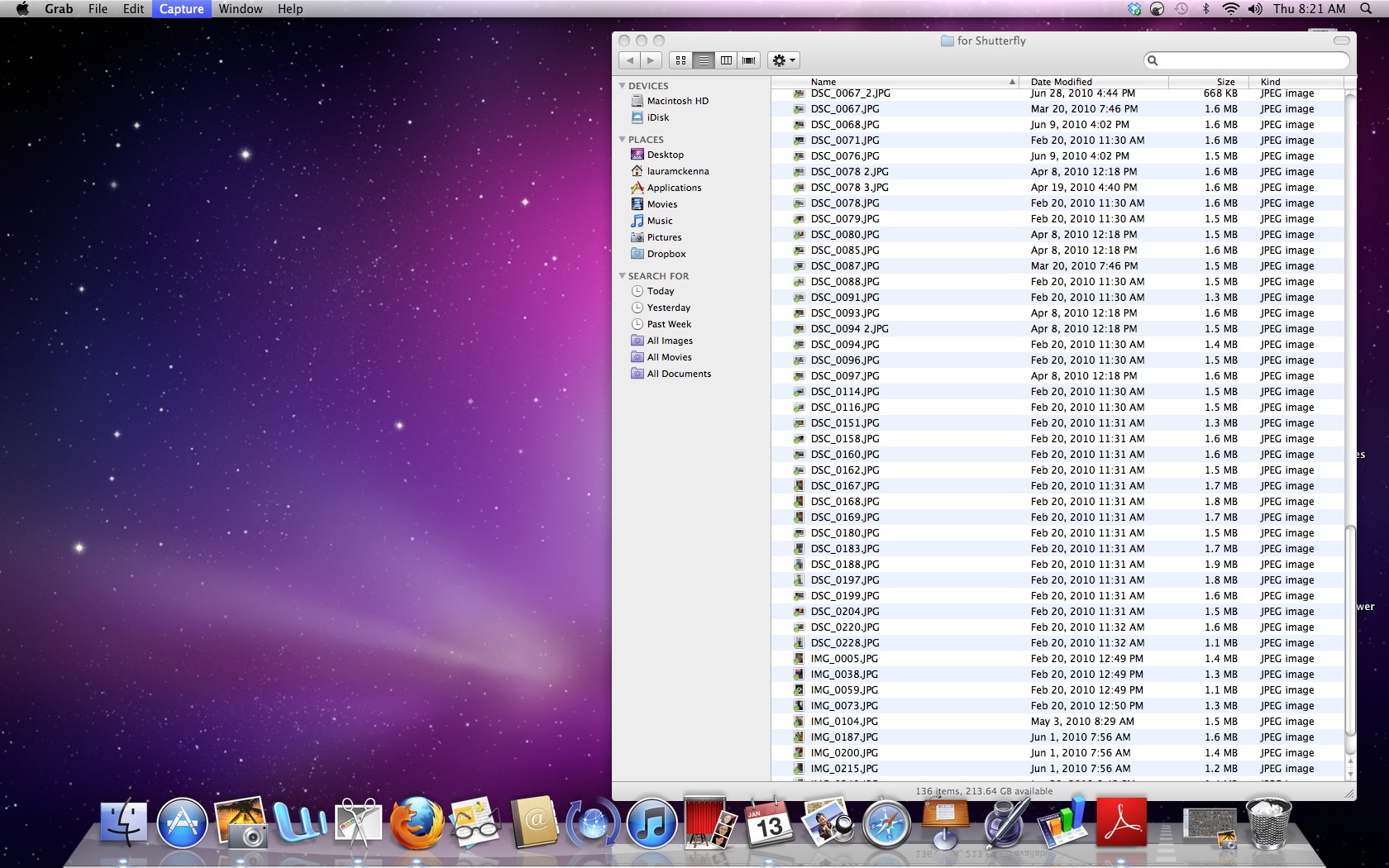
When that was done, I copied all the pictures to a folder on my desktop.
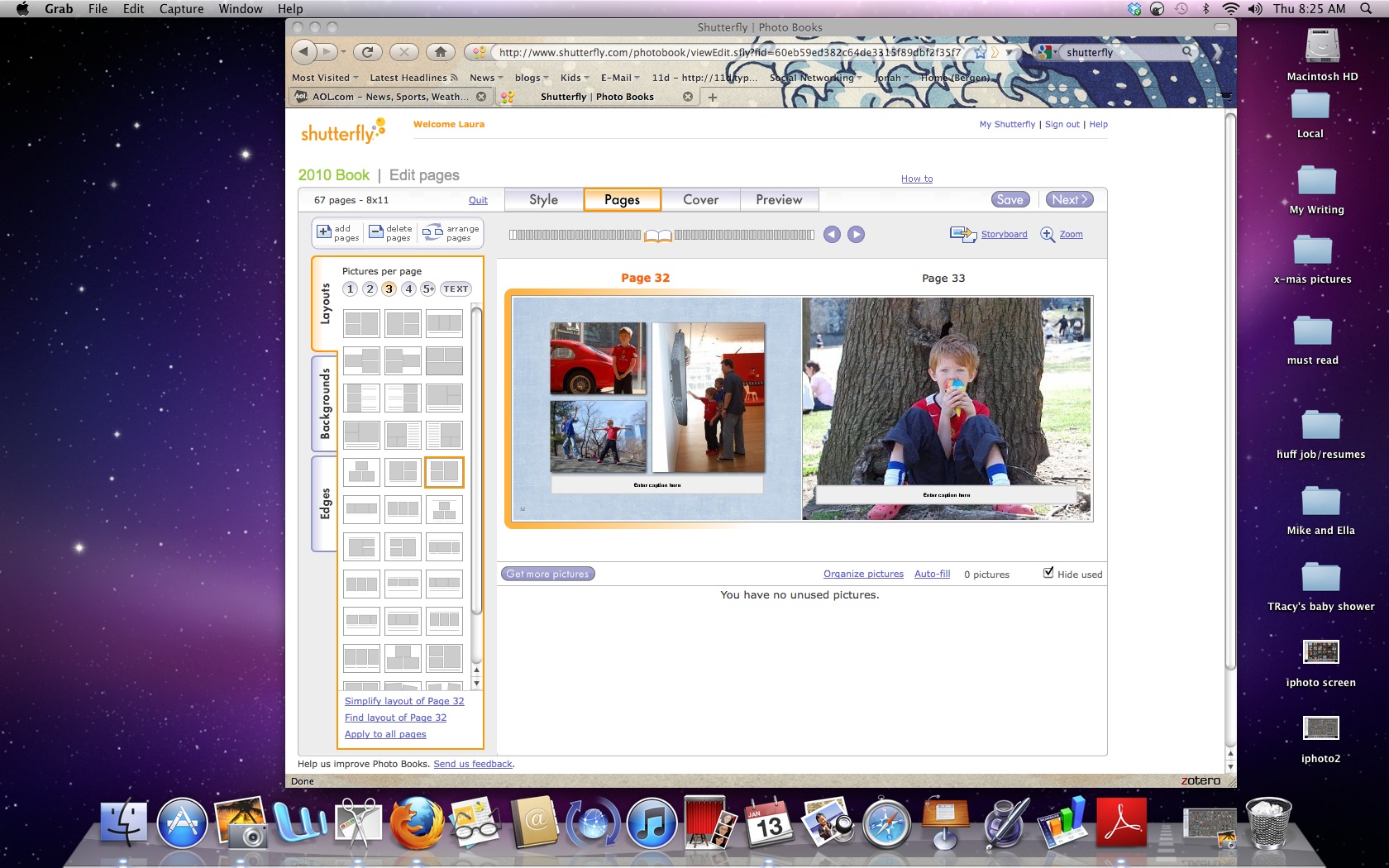
Then I uploaded the pictures to Shutterfly using their express uploader. Then, I arranged the pictures using their customizable photo album.
I've been using Shutterfly for ages, but I've heard good things about other systems, including Kodak and Blurb (thanks, Inquirer).


I’ve made several photo books using My Publisher. Similar process to what you describe-upload pics, drop them into a photo album, you can choose size of pics/background colors/borders etc.
Both photo books came out so professional looking I can’t believe it. I’m not very “creative” so wasn’t sure how they’d turn out but everyone who sees the is amazed that this was something I did myself.
I highly recommend My Publisher.
Cost-wise, I don’t think it costs much more than having photos printed out by an online service and then buying a photo album yourself. Plus then you still have to organize the photos in the album.
Laura- I’ll be interest to hear how your photo book turns out!
LikeLike